
Your customers just say their order.
BaristaVoice is a conversational ordering kiosk for cafés. Customers speak naturally — “a large iced latte and a chocolate croissant” — and the order builds itself on screen, gets confirmed, and lands on your live orders dashboard and Square POS. No queue, no app install, no account.
Web demo and APK are temporary — BaristaVoice is coming to the Google Play Store soon.
How it works
From spoken word to completed order in seconds
Scan the café’s QR code
Each café gets its own QR code and link. Customers scan it and start ordering immediately — no account, no install.
Speak or type the order
Customers talk naturally, ask for recommendations, or switch to typing when it’s loud. The order builds live on screen with photos and prices.
Review, confirm, pay
Every item is validated against the café’s real menu — the AI can’t invent products or prices. The customer confirms and pays.
Order appears live
The order shows up instantly on the café’s Live Orders dashboard and flows into Square POS. Staff mark it complete when it’s ready.
For café owners
Built for your business, not just your customers
BaristaVoice is free for your customers — cafés subscribe. Shorter queues, fewer misheard orders, and a dashboard that shows you exactly what’s happening in your shop.
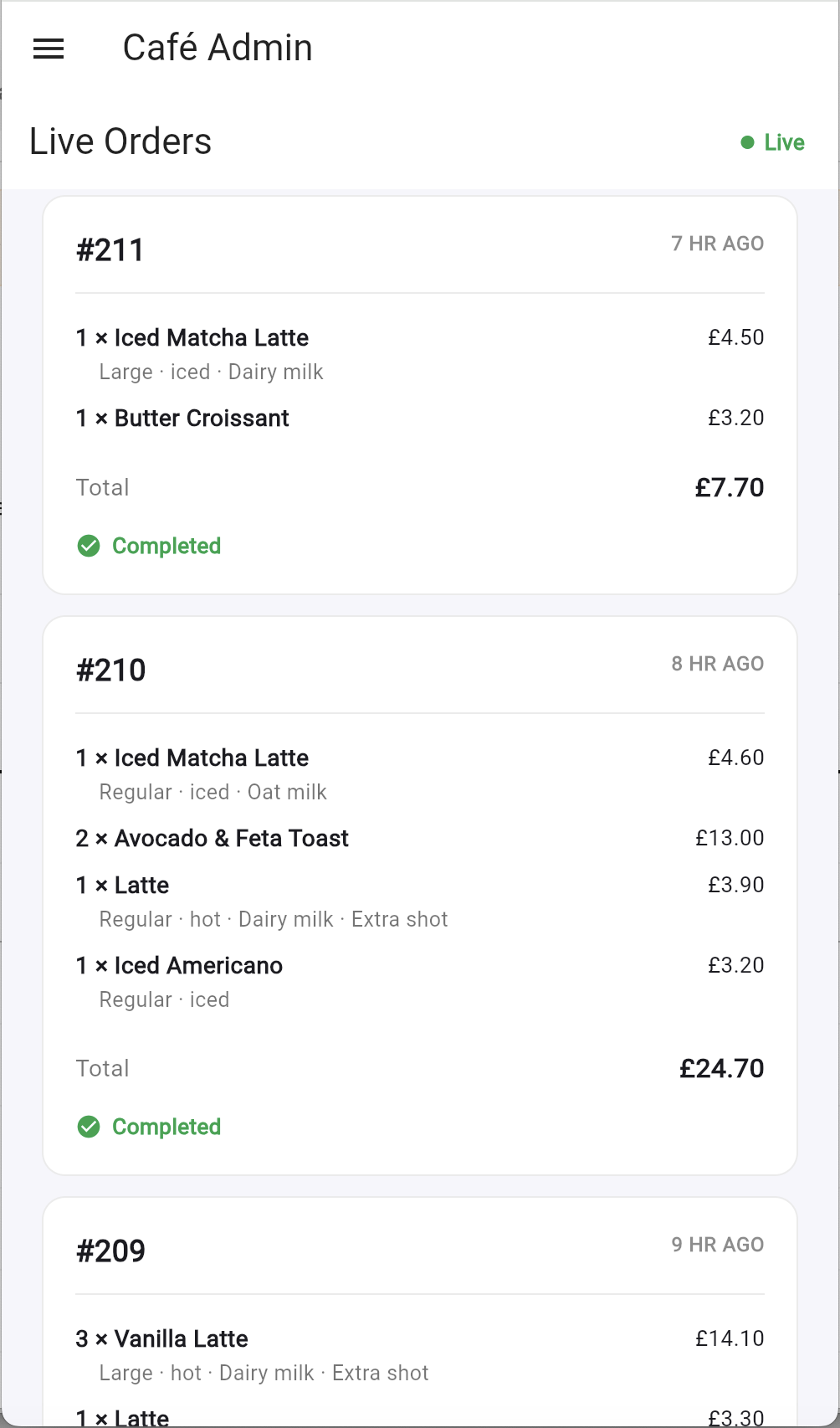
Live orders dashboard
Orders appear in real time the moment they’re placed. Keep the Live Orders page on a screen behind the counter and mark orders complete as you go.
Effortless menu management
Upload a photo or PDF of your menu and AI extracts structured items for you to review and publish. Edit products, prices and photos any time.
Analytics & improvement tips
See what’s selling, when your peaks are, and get suggestions on how to improve ordering at your café.
Square POS integration
Connect your own Square account — catalog sync and payments settle directly into your café’s bank account. More POS providers are on the way.
Your own QR code & link
Every café gets a unique kiosk link and QR code. Print it, stick it on tables, and customers order from their own phone.
Runs alongside your current setup
Try BaristaVoice with the free trial without replacing your existing ordering system — it works alongside what you already use.
See it in action
A closer look at BaristaVoice
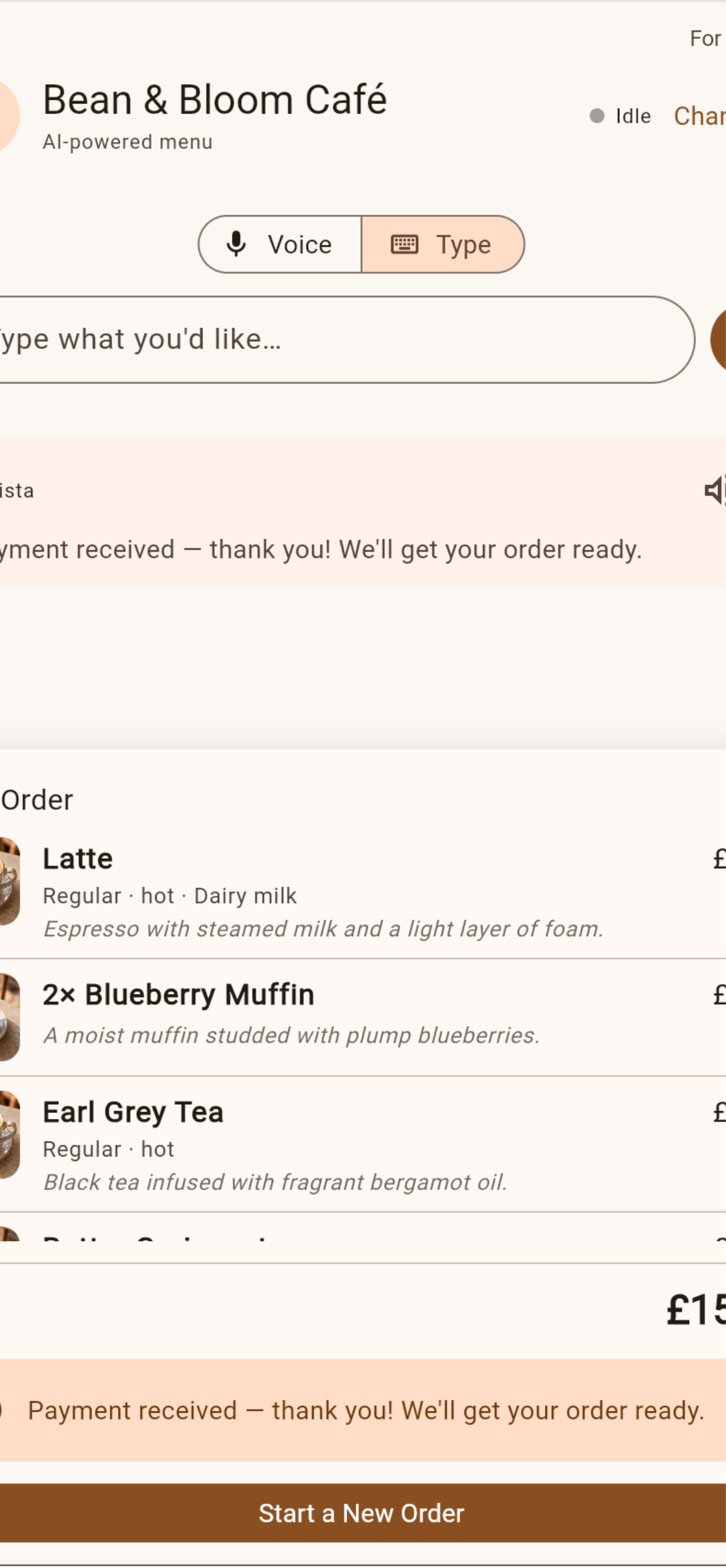
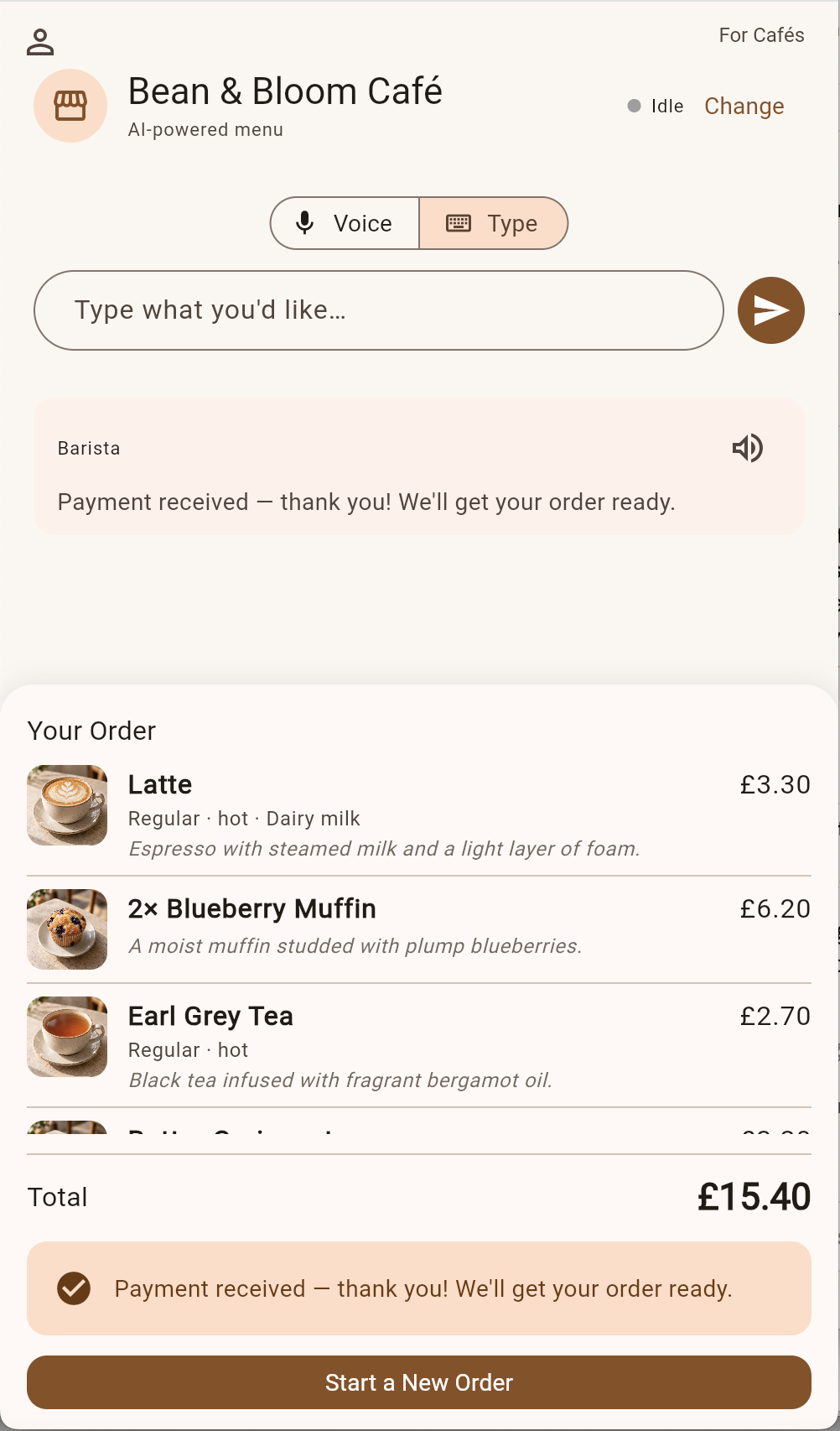
Voice & type ordering
Customers talk or type; the order, photos and total update live as they speak.
Live orders for staff
Real-time order cards with items, customisations and totals — tap to complete.
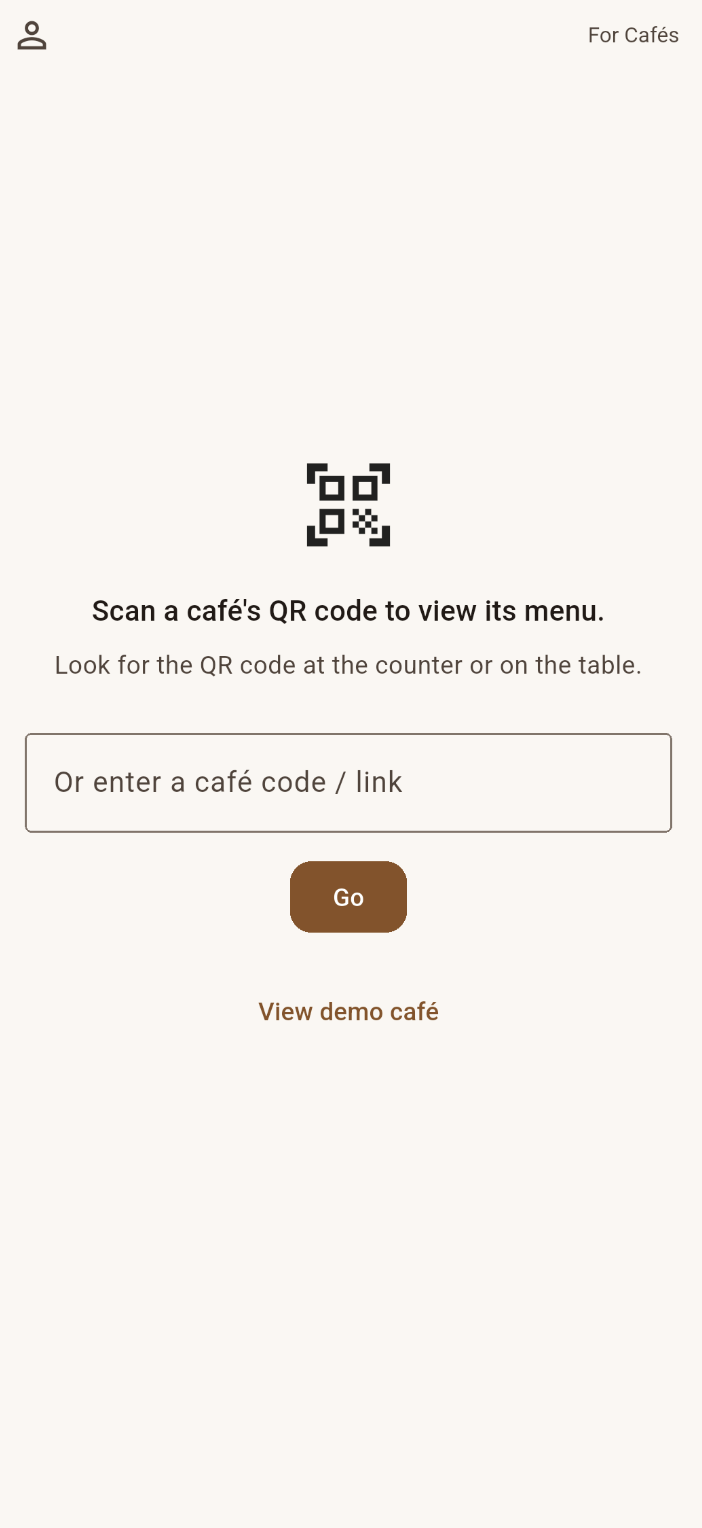
Café selection
Returning customers find cafés they’ve ordered from before, saved on their phone.
Menus come to life with real photos — uploaded by the café and extracted by AI:



Under the hood
Production-grade technology
Flutter
One codebase for the kiosk, dashboard and admin
Supabase
Database, auth, realtime orders & storage
Groq / Gemini
Switchable conversational AI engine
ElevenLabs
Natural spoken barista replies
Square
POS integration & payments
RevenueCat + Stripe
Café subscriptions & usage billing
Get BaristaVoice
Try it today — Play Store coming soon
BaristaVoice isn’t on the Google Play Store yet. Until it is, the web version and the Android APK below are temporary ways to try the full experience.
Web demo
No install needed — order at the demo café or sign in as a café owner. Best in Chrome for voice input. Temporary until the Play Store release.
Open the web appAndroid APK
Download the APK from GitHub Releases and allow “Install unknown apps” when Android asks. Temporary until the Play Store release.
Download the APKGoogle Play Store
BaristaVoice will be published on the Play Store in the near future — that will become the main way to install it.
Coming soon to Google Play